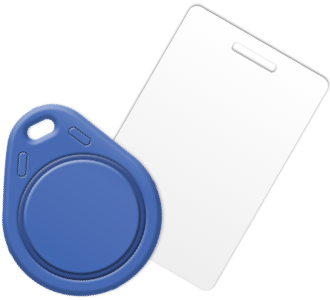
Many EV charging networks in Australia offer RFID cards for EV Charging, or let you add your own RFID card, which is great, as you can keep them in your car and use them to activate the charger without your phone.
There are options if you wish to use a RFID card.
1. Order RFID cards
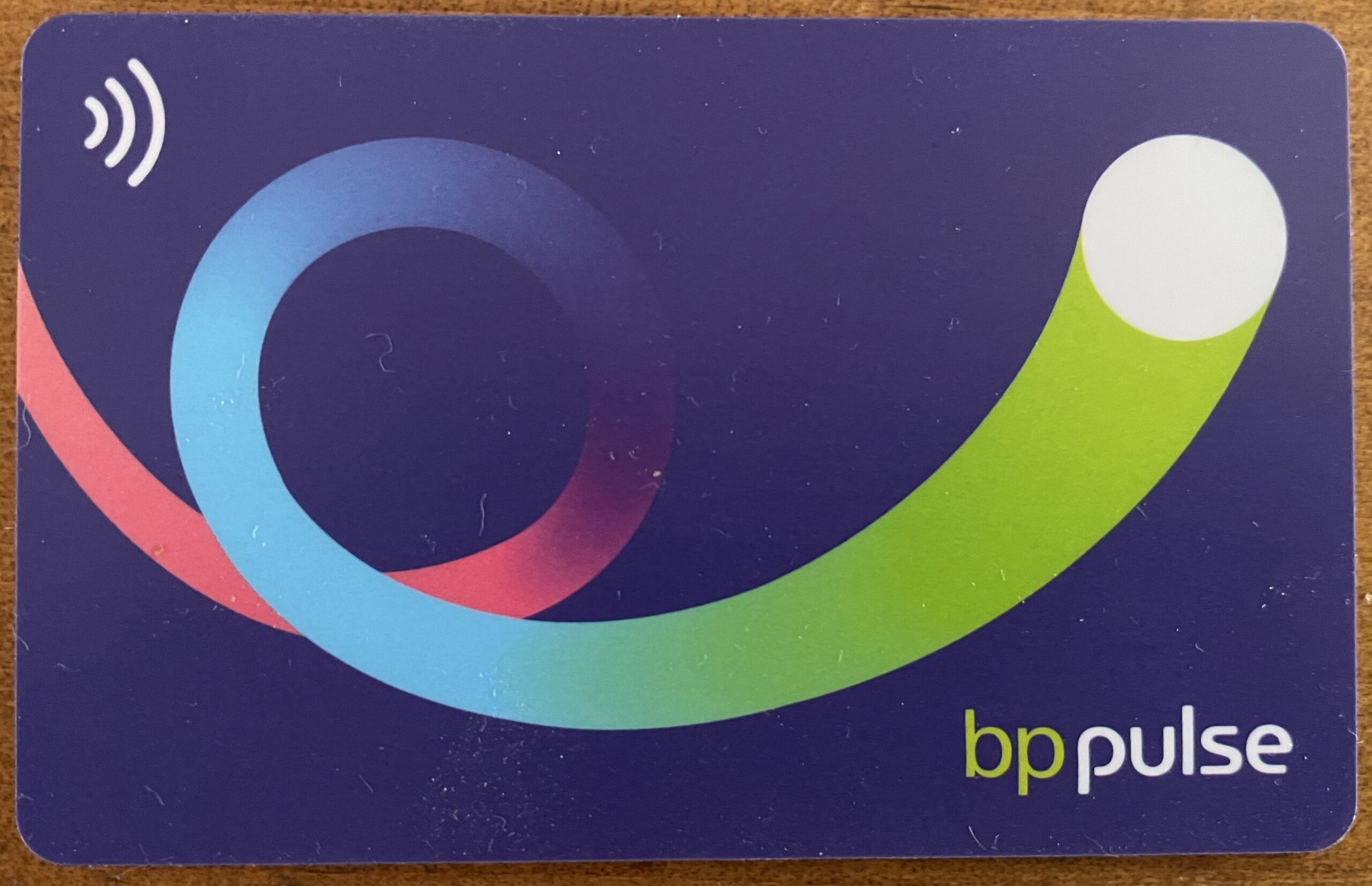
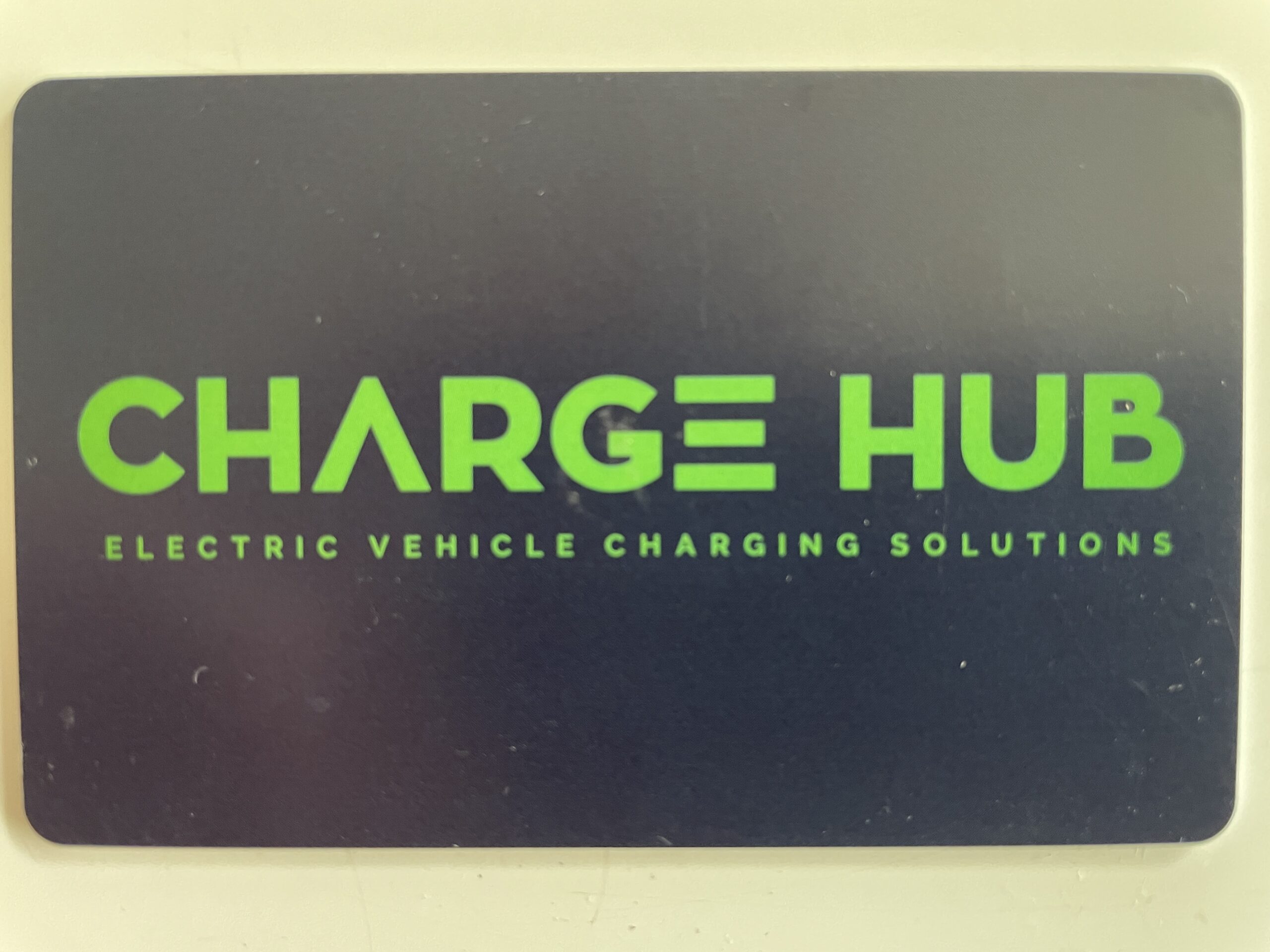
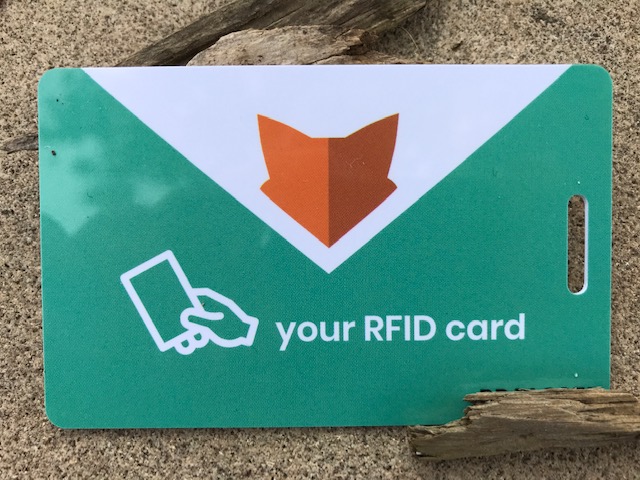
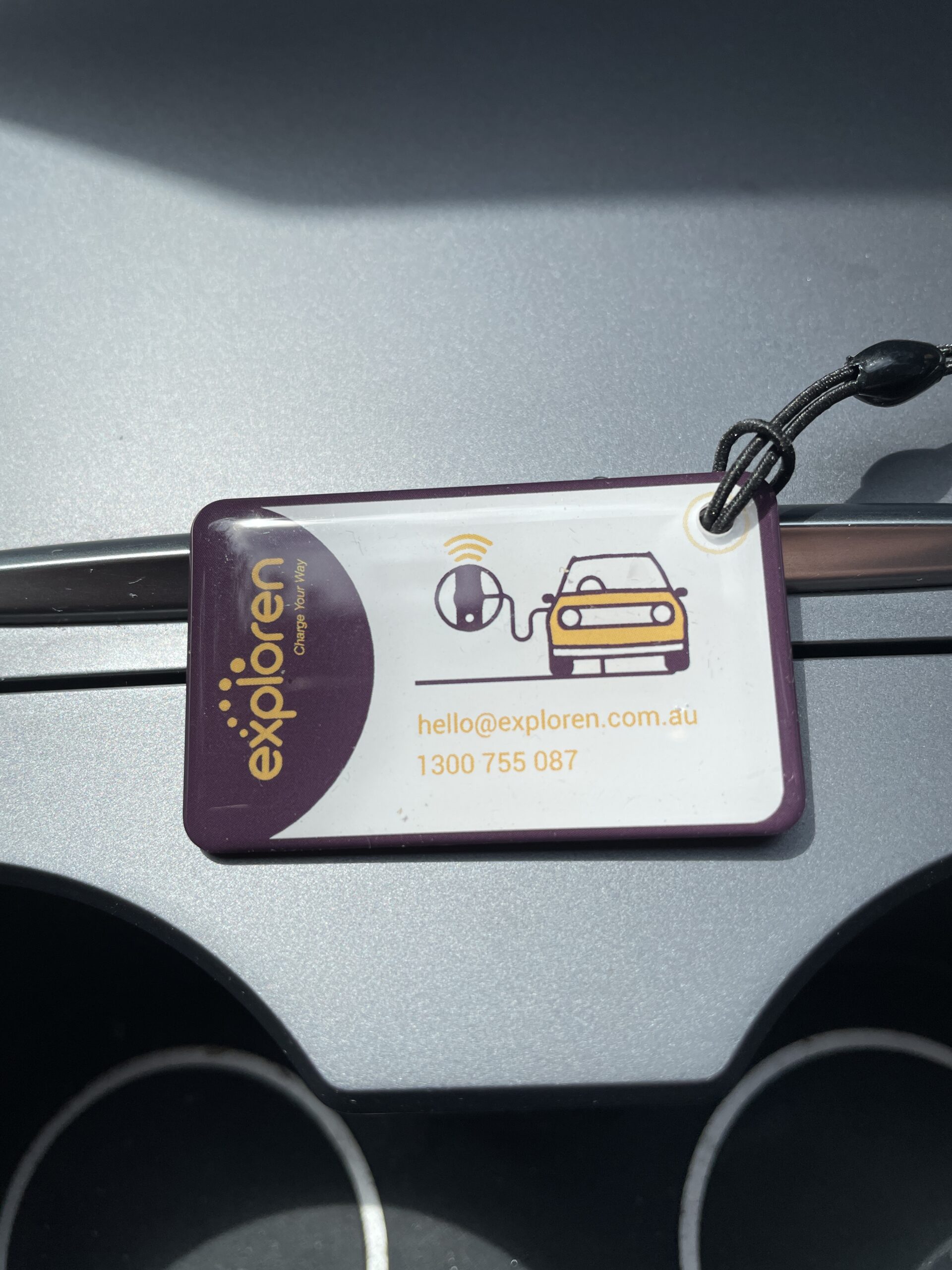
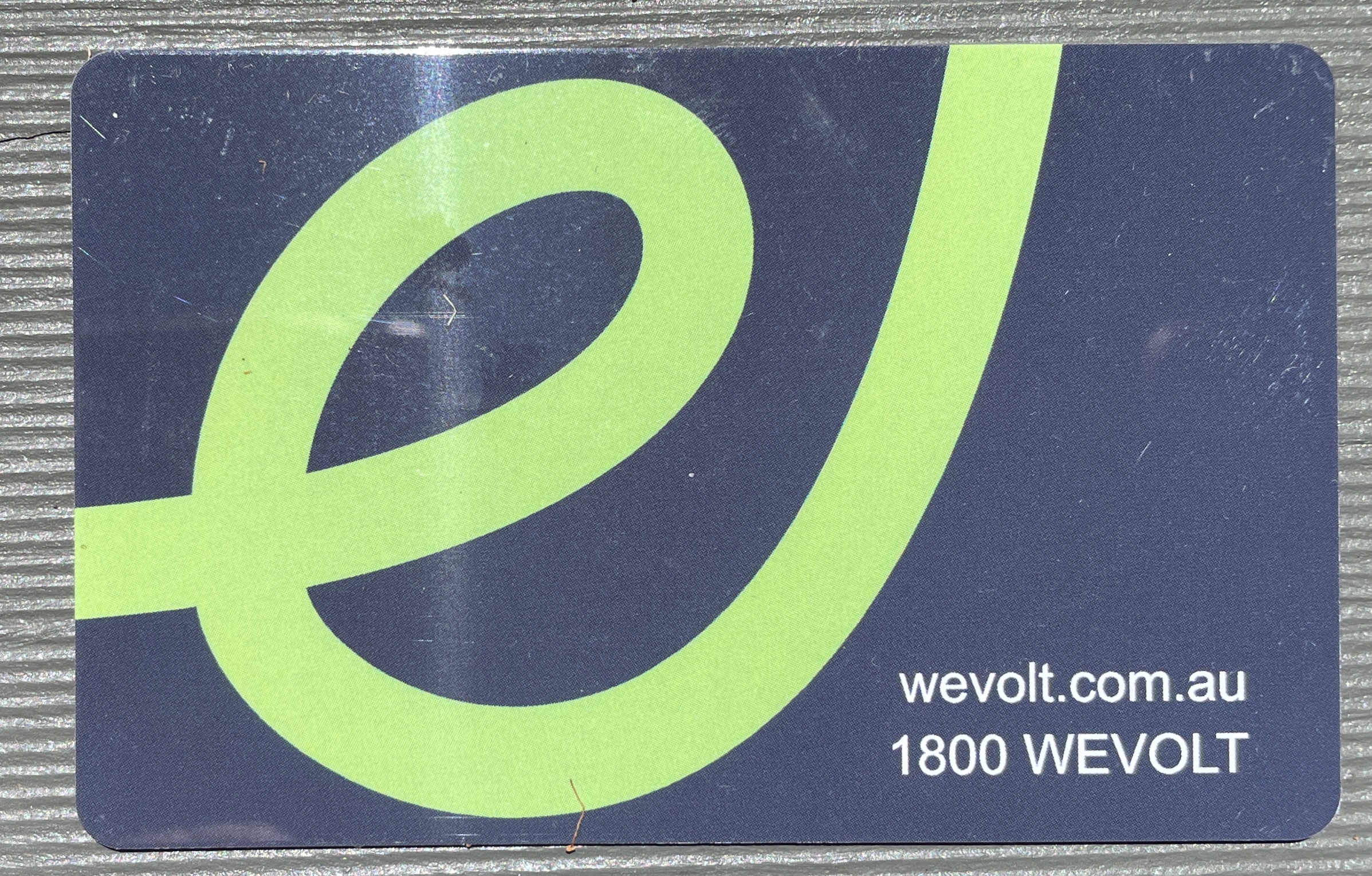
If you wish, you may order a RFID card for each of these networks: AGL, BP Pulse, Chargefox, Charge Hub, Elanga, Enevi, Everty, Evie, Exploren, Smart Charge, Wevolt, Zuup Roam.
2. Add your own single RFID card
14 EV Networks let you tap and charge by adding into their app, the number on a single RFID card or RFID tag that you have. You can then use that single card to tap and activate at all those networks which are: AGL, BP Pulse, Chargefox, Charge N Go Australia, Elanga, Enevi, Everty, Evie, EVX Australia, Exploren, Get Electric, SolarHub, Wattshare and Wevolt.
3. Roam with Chargefox
You may, for the networks which are on Chargefox app, choose to just use the Chargefox app or one RFID on your chargefox account.
A Chargefox account enables access to about 1,773 EV charging sites*. The Chargefox network is used to provide the customer services for EV drivers to locate, activate and pay for charging at two groups of EV stations. The first group are EV stations for which only Chargefox provides customer services. These are owned by many private and public organisations, including RACV, RAA SA, RACT, AANT, RAC WA, WA EV, Yurika, EnergyAustralia, Shell Recharge and many others. The second group are the Partner Networks. These are where other networks, have partnered with Chargefox, as an additional way for customers to use their chargers. These roaming Partner Networks include BP Pulse, NRMA, about 44 Exploren DC stations, some AGL stations and some EVX stations.
All stations shown on the Chargefox app may be activated by the Chargefox app, or by tapping any RFID card or tag you have linked to your Chargefox account, or some stations may have credit card facilities.
Note that if you download and open the Chargefox app, without signing in, the map presented only shows the first group of station locations. It does not show the Partner Networks. You need to be signed in to the app for full functionality and to see all charging locations.
*(Source: List on evlog.net.au)
4. Use a supplied card only
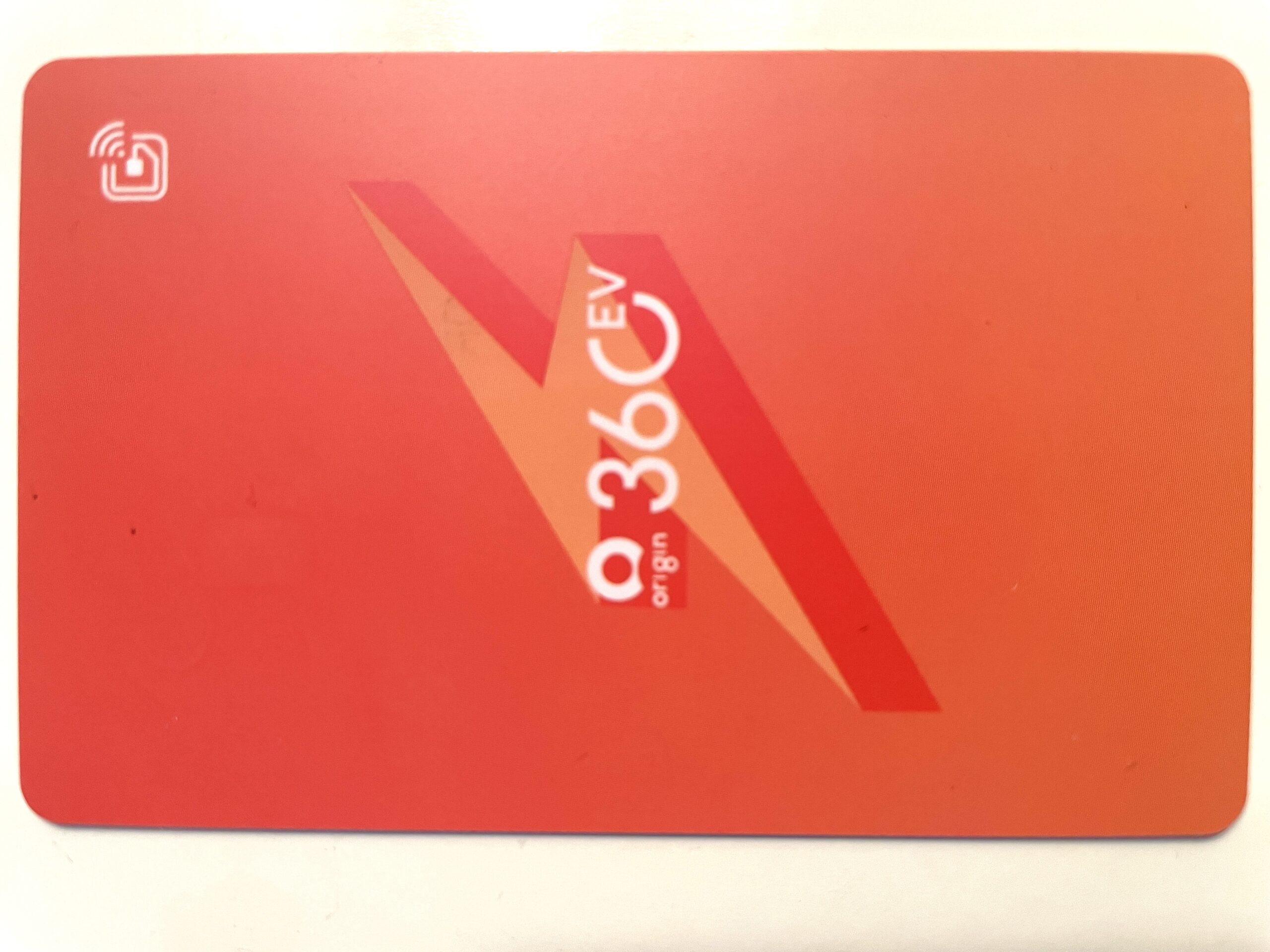
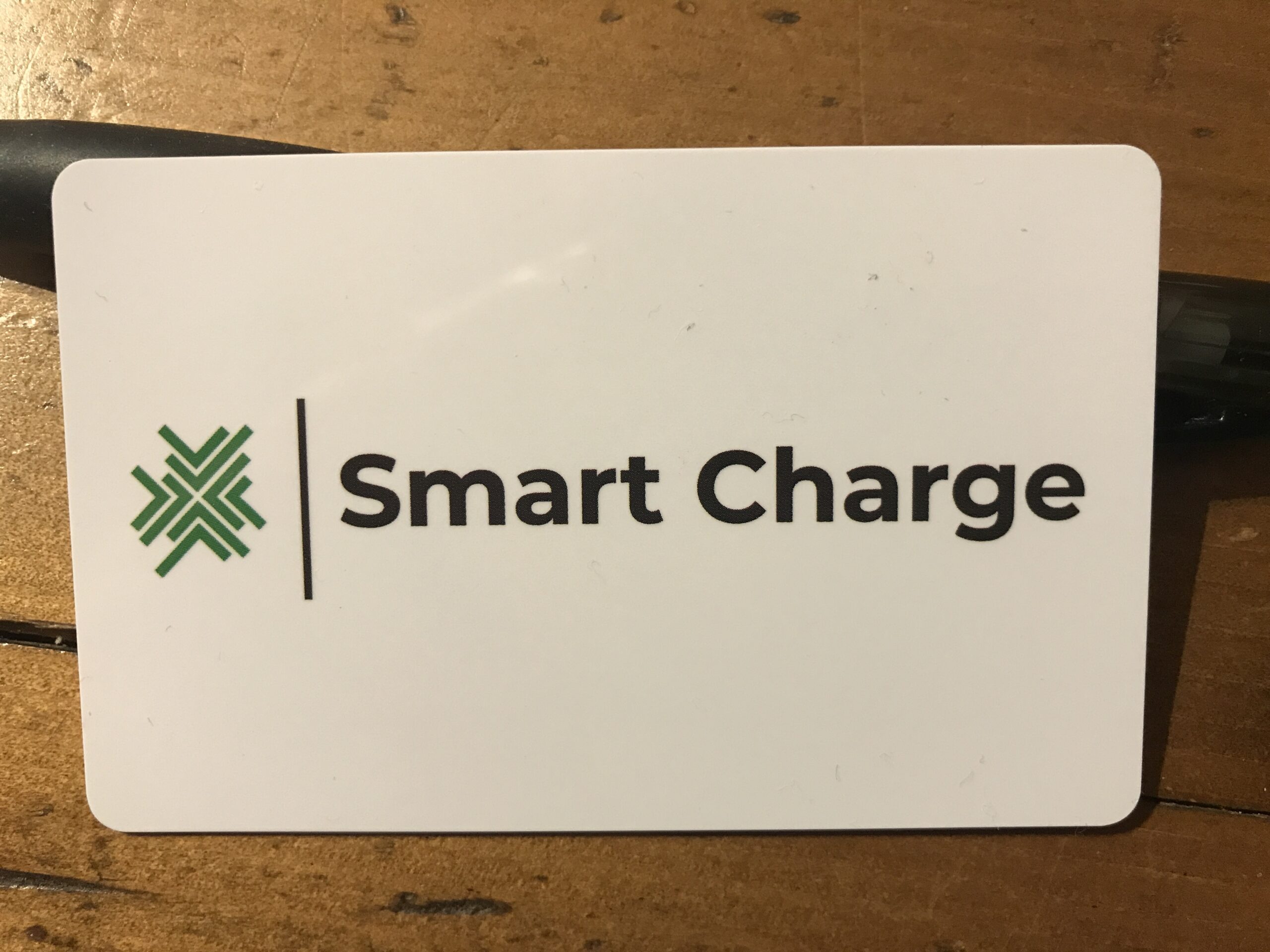
There are 5 networks, that let you use their app, or an RFID card they issue you: Charge Hub, Origin 360 EV Charge, Smart Charge, Zuup Roam and AmpCharge (Using an AmpolCard which is available for Businesses/Fleets/Leases).
5. No RFID card option
16 EV Networks don't have RFID cards as an option. They use methods like Credit Card, or Autocharge, or their app, or to scan a QR code to a payment portal: Alchemy Charge, AmpCharge (only Ampol business/fleet card at present), Casacharge, ChargeAway, ChargeOn EV, ChargeNextDoor, ChargePost, Elu, EVUp, I-Charge, Ivygo, Jolt, Noodoe, Sonic Charge, T-Power and Tesla.
Contact details for each provider are here
https://evlog.net.au/


Last Updated on May 19, 2026